

SwiftGrab
Ad Slot — Header Banner
5 image tools

Image & Design Tools

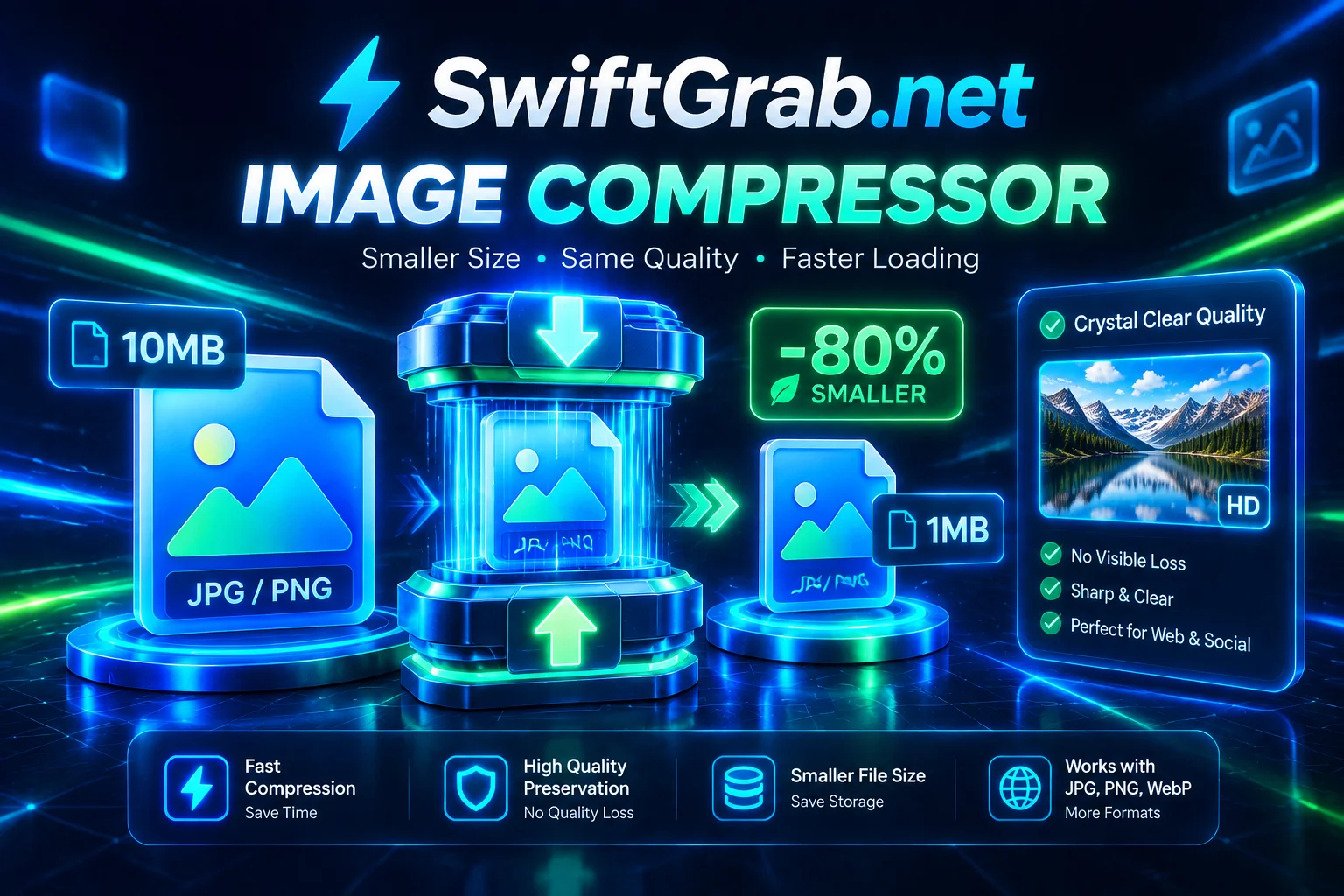
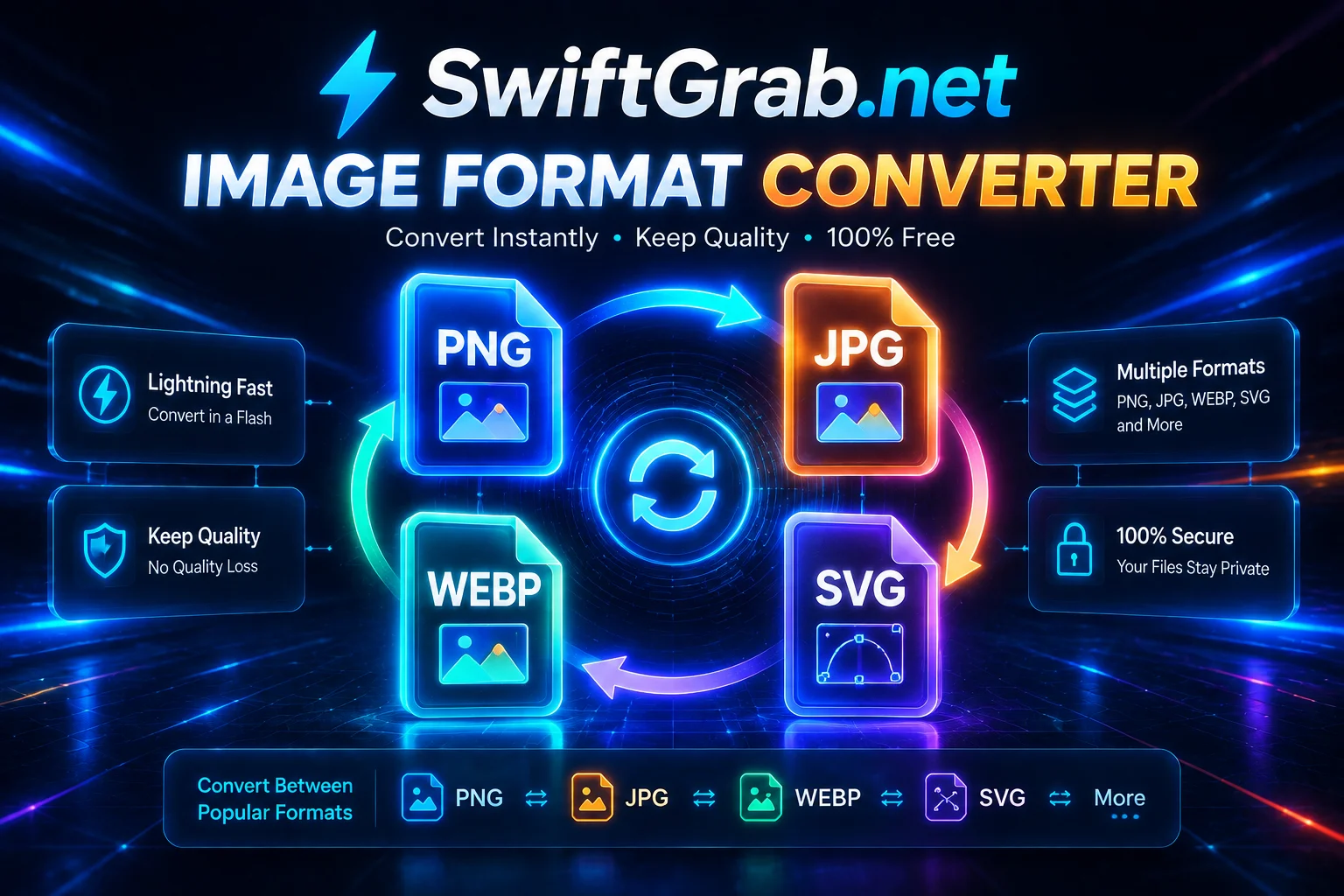
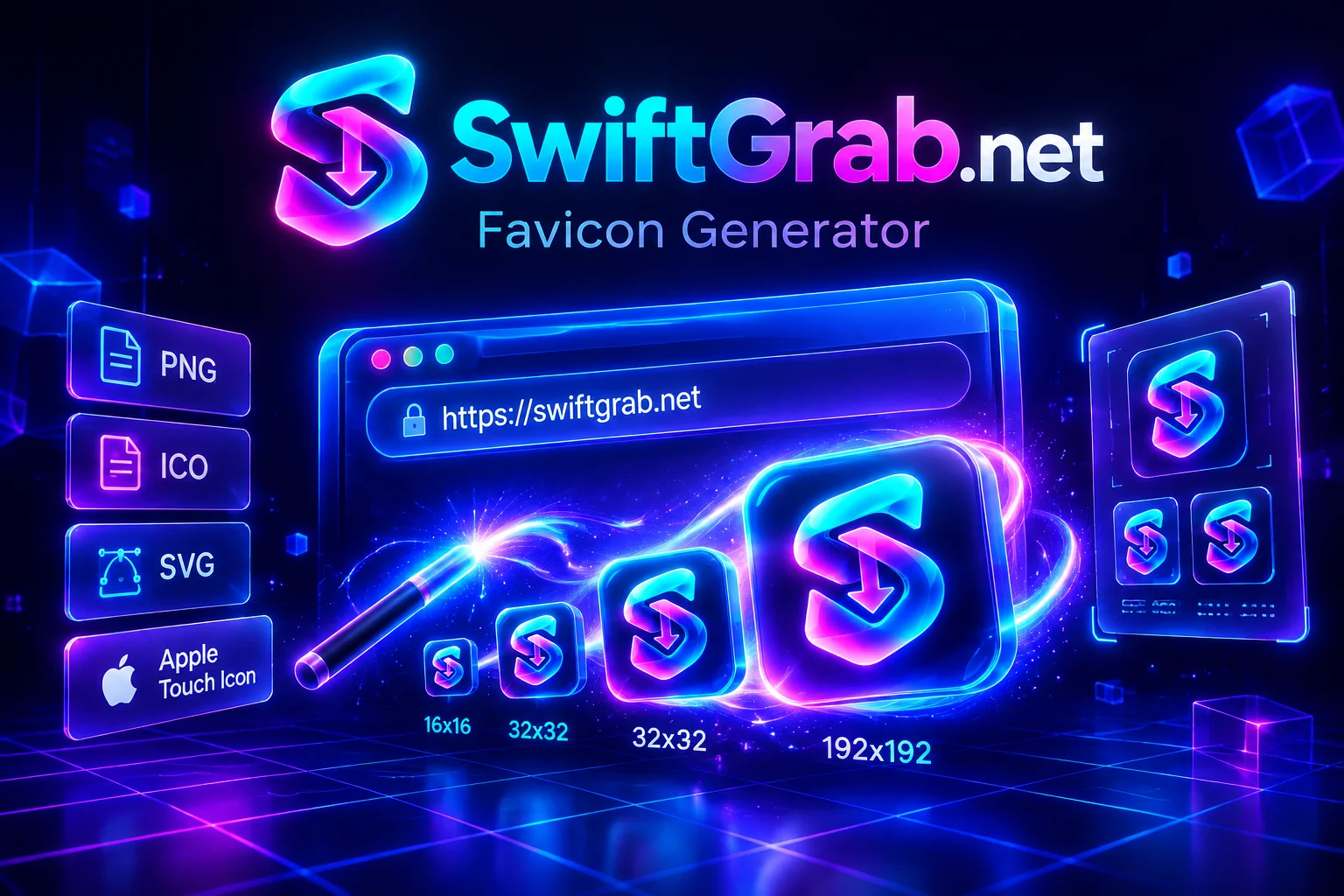
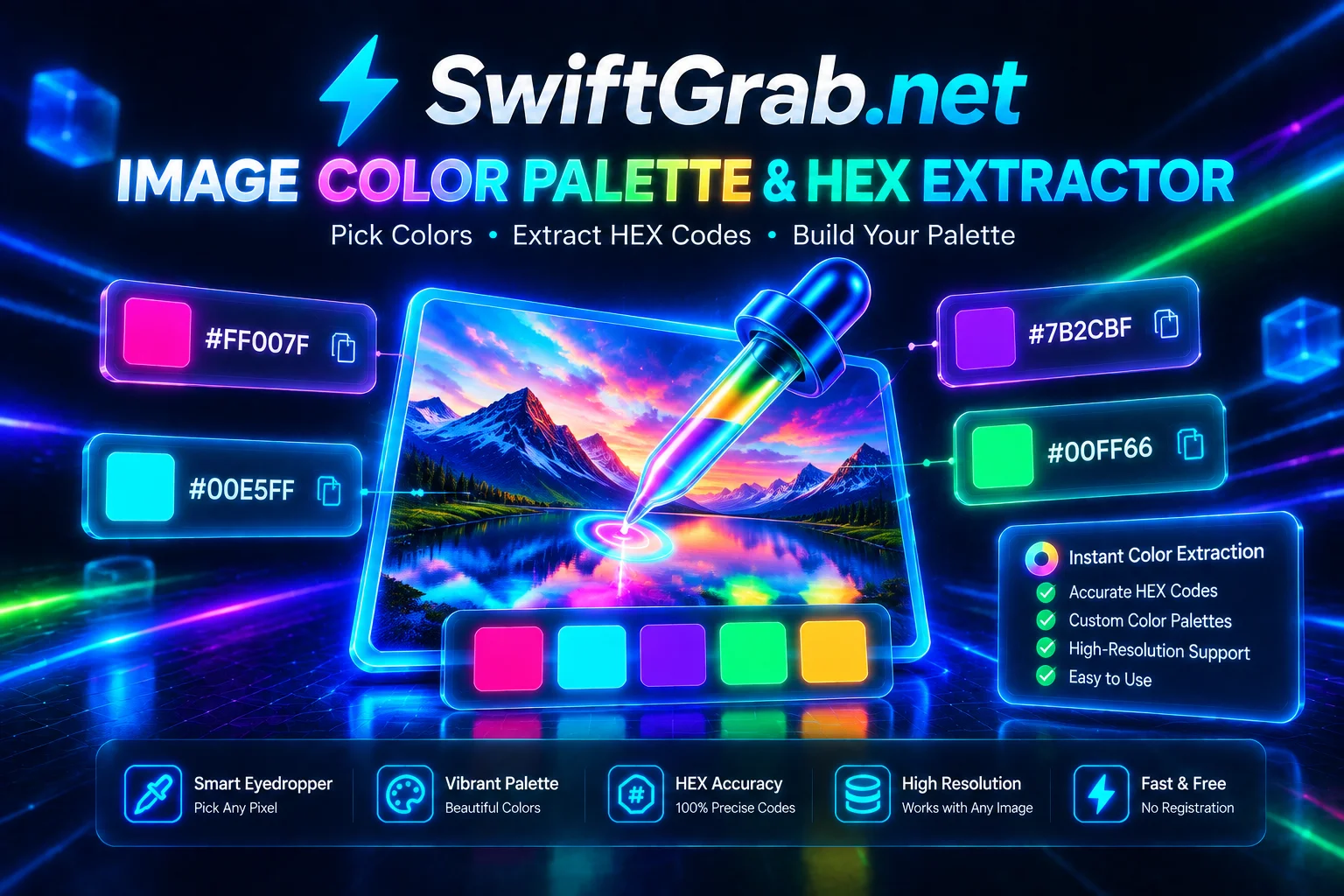
Compress, convert, and analyze images directly. Extract palettes, generate favicons, and grab thumbnails — no uploads, no signup, no software to install.

#Compress#Convert#Palette#Favicon#Thumbnails#Free
Ad Slot — Below the Fold

Explore other categories

How to use our image tools

Drop an image, get instant results.

1

Pick a tool

Compressor for smaller files, Converter for format changes, Color Picker for palettes, Favicon Generator for site icons.

2

Drop or upload your image

Drag and drop works, or click to browse. All processing happens locally — nothing leaves your device.

3

Download the result

Get the optimized file instantly. Batch operations support ZIP download for multiple images.

Frequently Asked Questions

Yes. All image tools are free with no signup, no watermark, and no file size limit.

About our image tools

Everything you need to know

Why browser-based image processing

Traditional image editors upload your files to a server, process them remotely, and stream them back. That's slow, uses bandwidth, and exposes private photos to third parties. Our tools do the same work entirely on your device. The result is instant, private, and works offline.

HEIC, AVIF, and modern formats

Modern phones and browsers have moved past JPG and PNG. iPhone shoots HEIC, Chrome and Firefox ship AVIF, and WebP is now universal for the web. Our tools handle all of these — including HEIC-to-JPG conversion, all instantly.

The right output format for the job

For photographs, JPG at 80–85% quality is unbeatable. For icons, logos, and screenshots with sharp edges, PNG. For the modern web, WebP beats both by 25–35%. For favicons, use our dedicated generator which outputs proper multi-resolution ICO files with Apple and Android icons included.

Privacy and performance

Because processing happens locally, your images never touch a server. That means no upload wait, no storage risk, no rate limits, and no metadata leakage. A typical 4MP photo compresses in under a second on a modern laptop; batch operations process dozens of files without slowing down.